
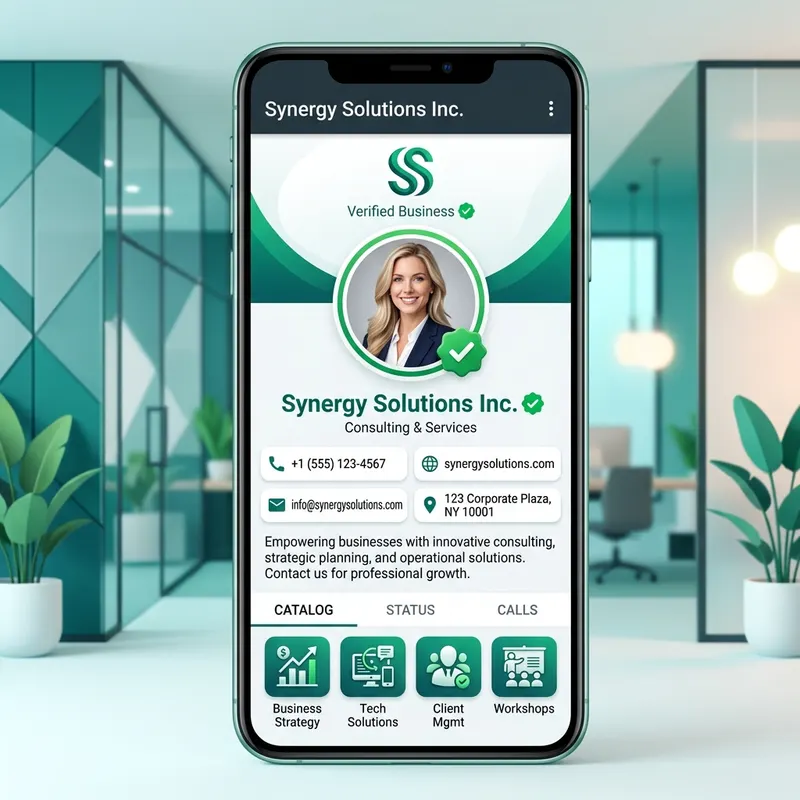
Choose a recognizable business image
A business profile picture helps people recognize a shop, service, or person. Use a clear logo or headshot. Keep it consistent with your website and other business materials.
Use a simpler logo at small sizes
Fine lines and long slogans can disappear in a small circle. Use a clear version of your logo with enough space around it. Check light and dark backgrounds. Do not add a verification symbol that could mislead customers.
Fit all of the logo inside the circle
A square file can still lose its corners when shown in a circle. Open the DP converter and choose Fit full photo in circle. Check all letters and symbols. Use a plain background if a blur makes the logo hard to read.
Choose an export
Try PNG for a logo with text or sharp lines. Try JPG for a photo. The editor offers 500, 640, 720, and 1080 pixels square. These are export choices, not official business account requirements. Start with a clear original.
Review the business profile
Save the picture and select it in your business profile settings. Check the crop before confirming. Then view the result at a small size. Make sure it matches the business name and is easy to recognize.
Keep other details in the right place
A tiny profile photo is a poor place for prices, phone numbers, or long offers. Put those details in the relevant business fields or a separate post. For photo styling, see the professional DP guide. For current account instructions, use the WhatsApp Help Center.