About Us WA DP Size Converter
Simple photo tools for profile pictures, frames, and Status images.
Who We Are
An independent digital engineering group committed to accessible, private web utilities.
WA DP Size Converter is a specialized web technology initiative operated by Syed Muhammad Ahmed Software Operations. We design lightweight, browser-native digital utility applications created to solve real-world media formatting headaches without compromising user privacy.
Unlike legacy photo editing services that require cloud uploads, monthly subscriptions, or intrusive personal tracking, our tools operate completely inside your local browser memory using modern HTML5 Canvas, WebAssembly, and high-performance Web APIs.
Our Story & Evolution
From a developer's weekend experiment to a trusted global utility.
Our journey began in early 2024 when founder Syed Muhammad Ahmed was trying to set a group photo as a WhatsApp profile picture. Every upload resulted in faces getting cropped out by WhatsApp's automatic 1:1 circular crop. Searching online revealed only ad-heavy editors that forced users to upload personal photos to unknown remote servers or download questionable mobile apps.
Recognizing the urgent need for a clean, private, and instant solution, Syed engineered the first version of WA DP Size Converter — a zero-backend tool running 100% in client-side memory. What began as a personal utility quickly spread across communities, designers, and small business owners worldwide.
Initial Prototype
Launched the zero-upload canvas resizer with 640×640 and 1080×1080 resolution presets.
Creative Suite
Introduced Circle Frame Maker, Rounded Corners, and Blurred Background Frame across 18 languages.
Global Adoption
Surpassed 2,400,000+ locally processed photos across 120+ countries with 99.9% uptime.
Meet the Leadership & Team
The passionate engineers behind our privacy-first media processing engine.
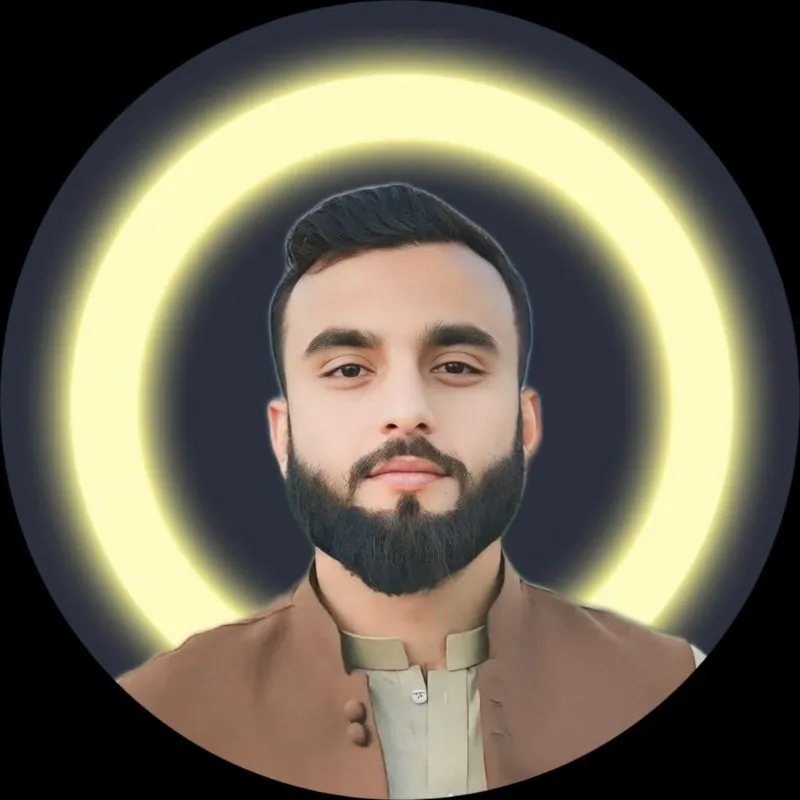
Syed Muhammad Ahmed
Founder & Principal Software Engineer
Syed Muhammad Ahmed is a software engineer and privacy advocate with deep expertise in frontend performance optimization, HTML5 canvas rendering, and zero-knowledge client architectures. He leads the product design and engineering roadmap for WA DP Size Converter, ensuring every tool remains 100% free, blisteringly fast, and respectful of user confidentiality.
Scale, Trust & Industry Recognition
Verified milestones and operational benchmarks.
GDPR & CCPA Compliant
Zero personal data retention
Client-Side Verification
In-browser canvas processing
Community Recognized
Top Free Browser Utility Tool
User Reviews & Testimonials
What creators, business owners, and everyday users say about our tools.
"Finally a tool that doesn't crop my family photos when uploading to WhatsApp. The fit feature and live circle preview save so much frustration."
Maria R.
Community Member · Spain
"We manage WhatsApp Business channels for clients and the blurred background frame makes corporate logos and rectangular graphics look incredibly sharp."
Vikram S.
Digital Agency Lead · India
"The fact that it runs locally in browser memory without sending my private pictures to any server is why I use and recommend this over everything else."
David L.
Software Designer · UK
WA DP Size Converter is operated as an independent software initiative under Syed Muhammad Ahmed Software Operations. All technical infrastructure, code releases, and maintenance schedules are overseen directly by the founder. This website is independently operated and has no direct affiliation, sponsorship, or partnership with WhatsApp LLC, Meta Platforms, Inc., or their affiliates.
Explore Our Free Online Image Tools
100% browser-based utilities engineered for profile pictures, avatars, and social graphics.
WhatsApp DP Maker
Full size profile pictures without cropping. Add blurred background padding and 1080x1080 HD square formatting.
WhatsApp Status Resizer
Resize photos to 1080x1920 9:16 vertical full HD for WhatsApp Status and Stories without quality loss or black bars.
PFP Maker & Circle Frame
Create aesthetic profile pictures with 79+ custom border rings, neon glows, and gradient frames for avatars.
Crop Image Online
Trim photos to exact 1:1 square profile picture ratios, 4:5 portraits, 16:9 widescreen, or freeform custom crops.
Round Image Corners
Add smooth curved borders and soft radius corners to any image with live preview and transparent PNG export.
Have a question, feedback, or feature request? We'd love to hear from you.
Get in Touch