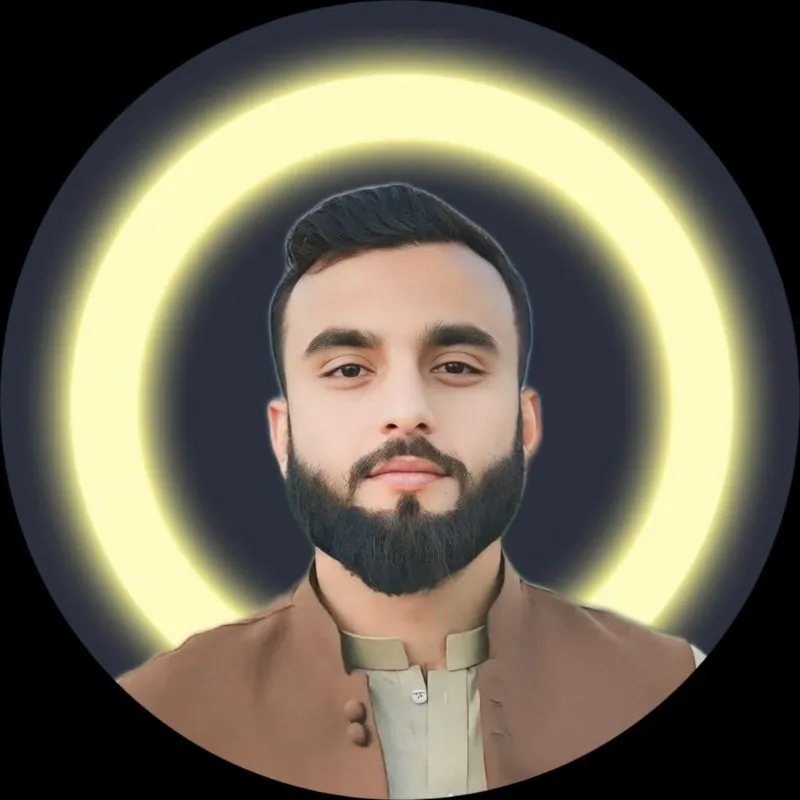
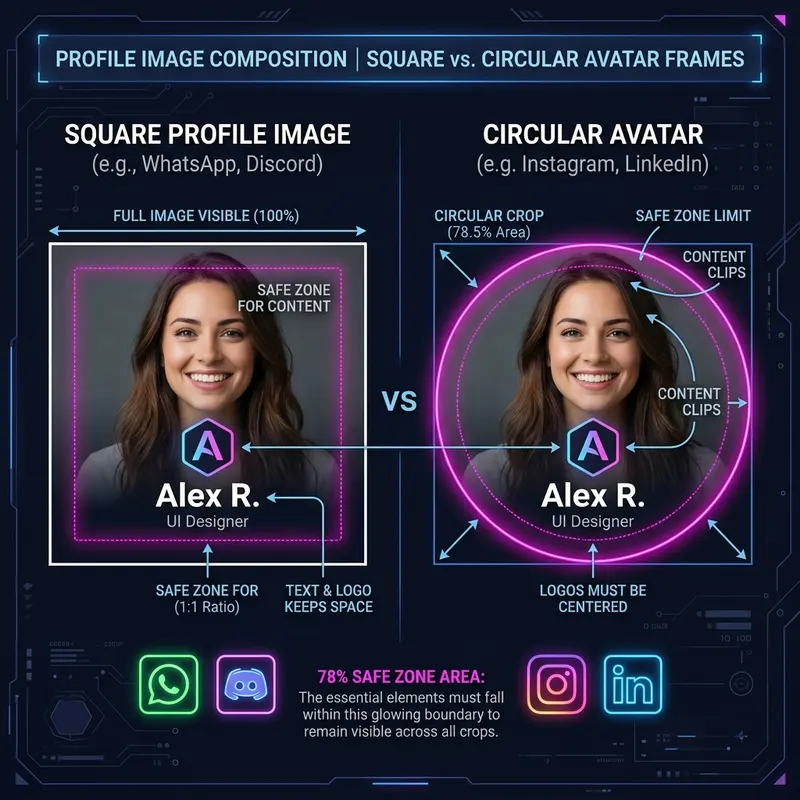
A square file can appear as a circle
A square image has equal width and height. This is a 1:1 aspect ratio. A circular display hides the square’s corners. Faces or text near those corners can disappear.
Fit and crop do different jobs
Crop removes part of a photo to fill a shape. Fit keeps the whole photo and adds space around it. Use crop for a close headshot. Use fit when every person or part of a logo needs to stay visible.
Why a square needs extra room
To fit a whole square inside a circle, its width must be about 70.7% of the circle’s diameter. For a 720-pixel circle, that is about 509 pixels. This is a geometry rule, not a WhatsApp setting. It assumes the square is centered.
What changes for a rectangle?
A rectangle fits when its diagonal fits inside the circle. Its diagonal is √(width² + height²). A 600 × 1000 photo has a diagonal of about 1166 pixels. Inside a 720-pixel circle, it becomes about 370 × 617 pixels. Moving it off center can hide a corner.
Let the tool calculate the fit
Open the DP converter and select Fit full photo in circle. Check the result before saving. You do not need to calculate the size by hand. The output remains a square file.
A border is a separate choice
The circle frame tool adds a ring around a photo. The rounded corner tool changes corner curves. Neither name means that every detail will fit automatically. Always check the preview.