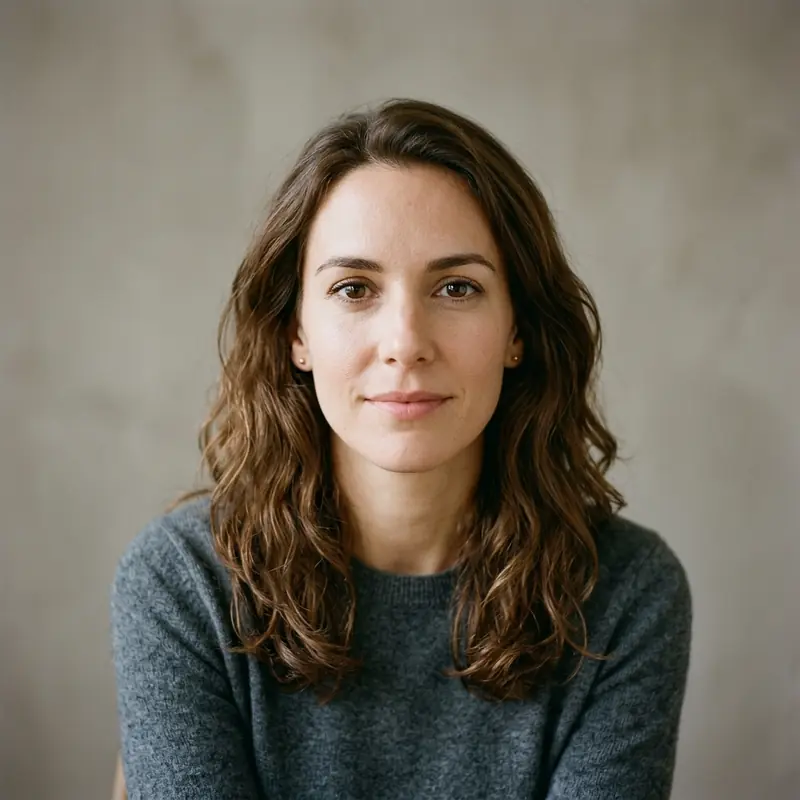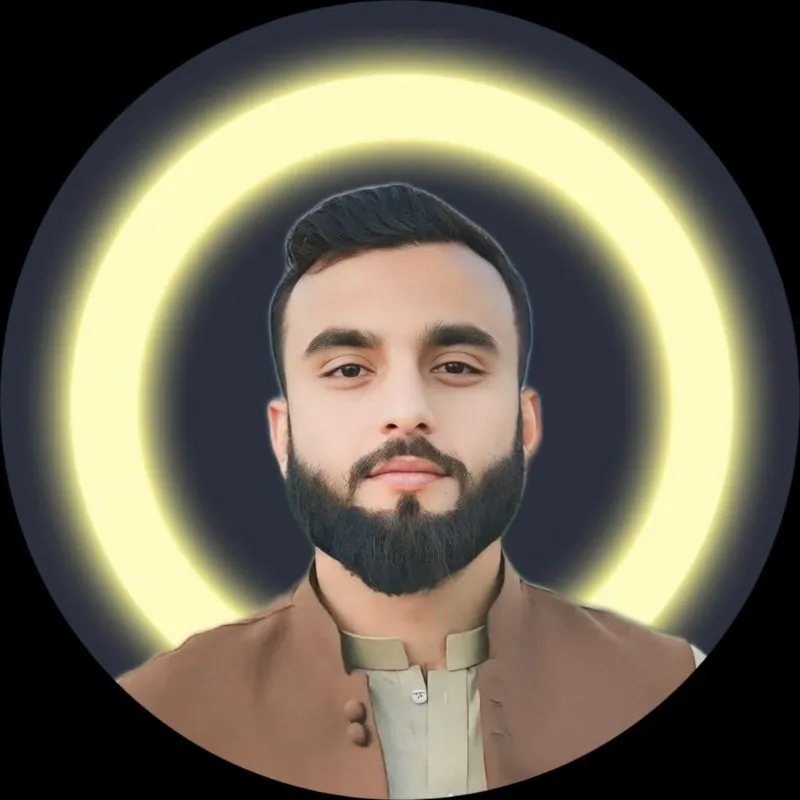
Pick a style you feel comfortable sharing
Your profile photo can show your face, a hobby, or a scene you like. These ideas are open to anyone. You do not need to follow a trend or share a portrait.
Six photo ideas
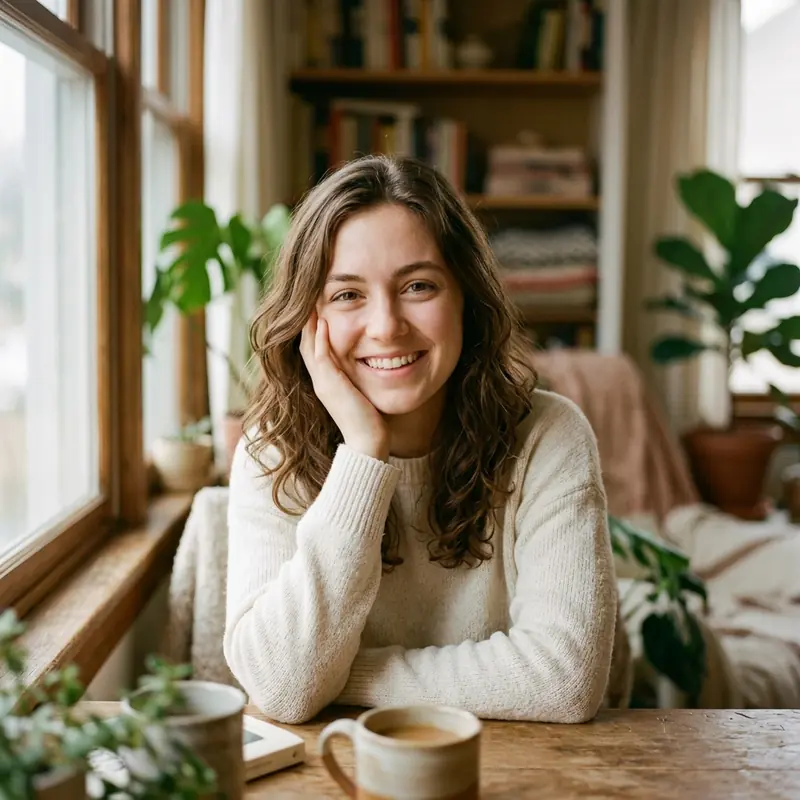
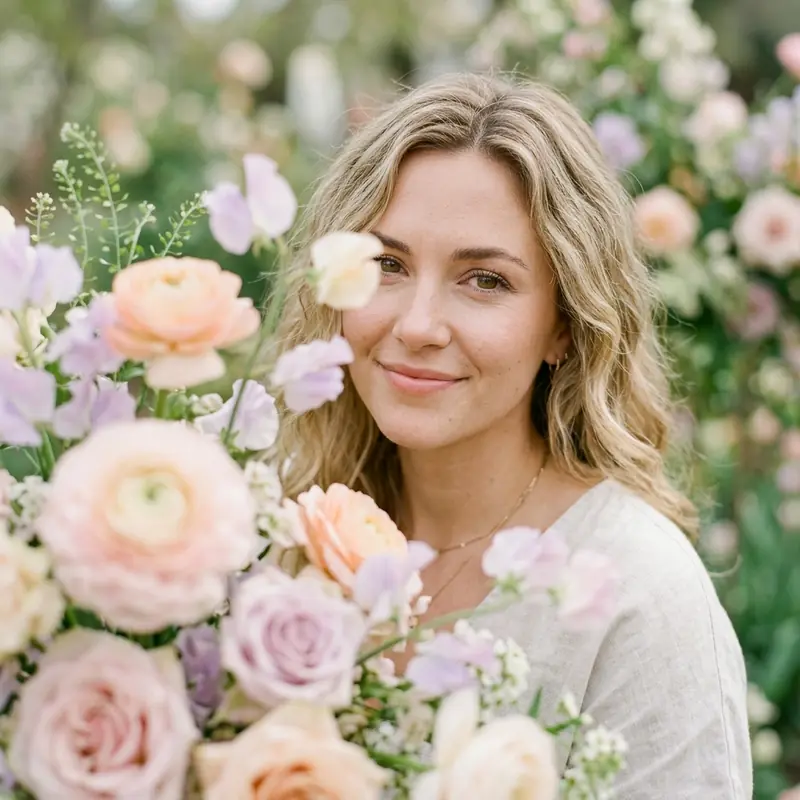
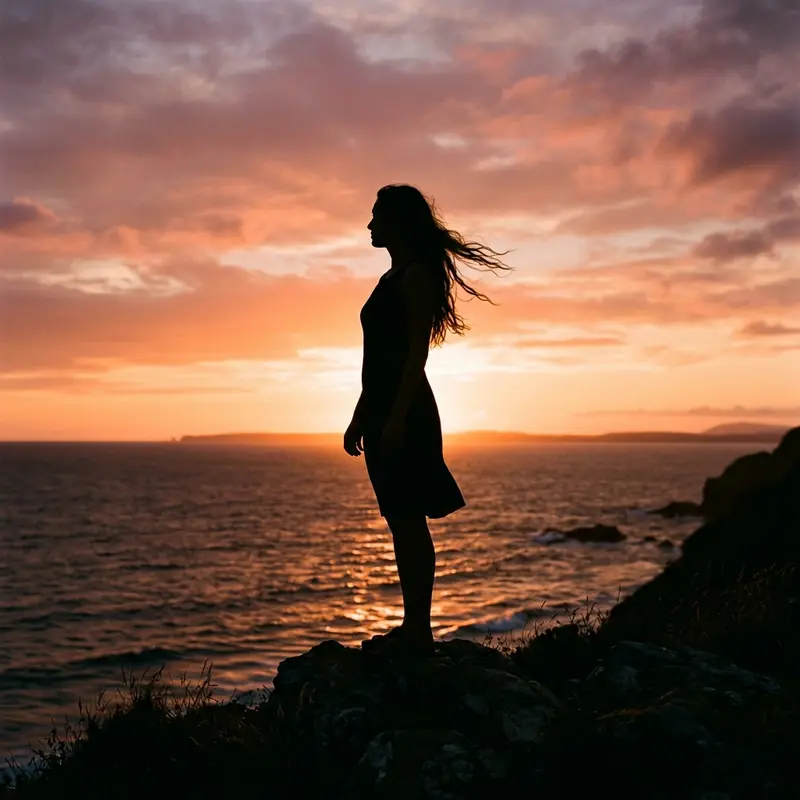
Try a window-light portrait, a flower close-up, a pet photo, a sunset silhouette, a travel detail, or an illustrated avatar. Choose a simple background. Give the subject enough space around its edges.
Take a soft portrait
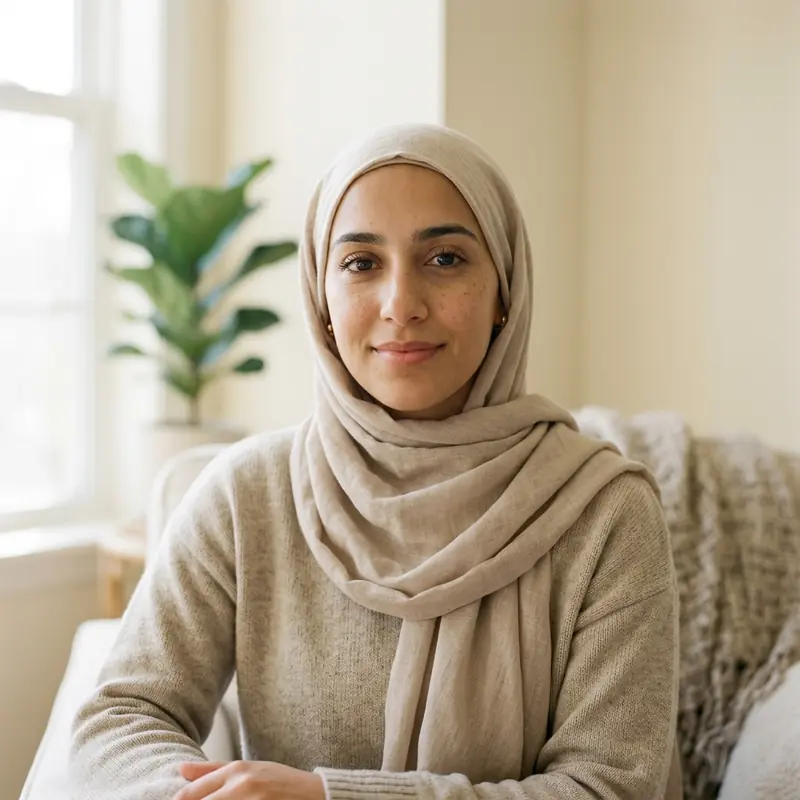
Face a window with gentle daylight. Keep the camera near eye level. Try a plain wall or a distant background. Take a few photos and choose one with a clear face. Avoid strong filters that hide detail.
Use a photo without showing your face
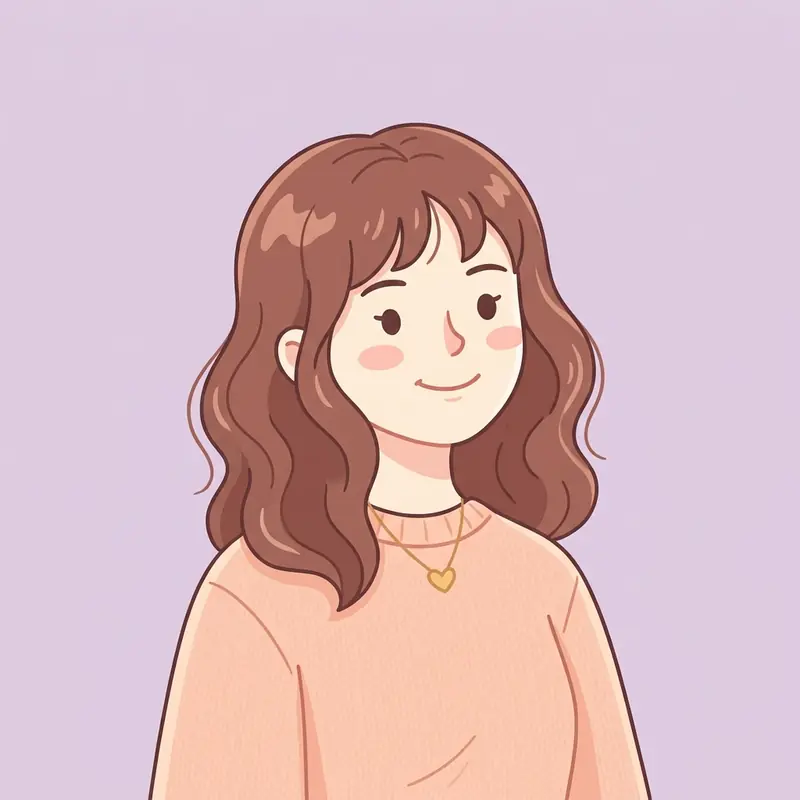
A book, plant, landscape, or drawing can make a personal DP. Check the background for private details, such as an address or school name. Use artwork you own or have permission to use.
Fit your picture inside the circle
Open the DP converter. Choose your photo and use Fit full photo in circle. This adds room around the picture. Check that flowers, hair, or text stay inside the preview. Save the image, then review the crop in WhatsApp.
Choose what suits you
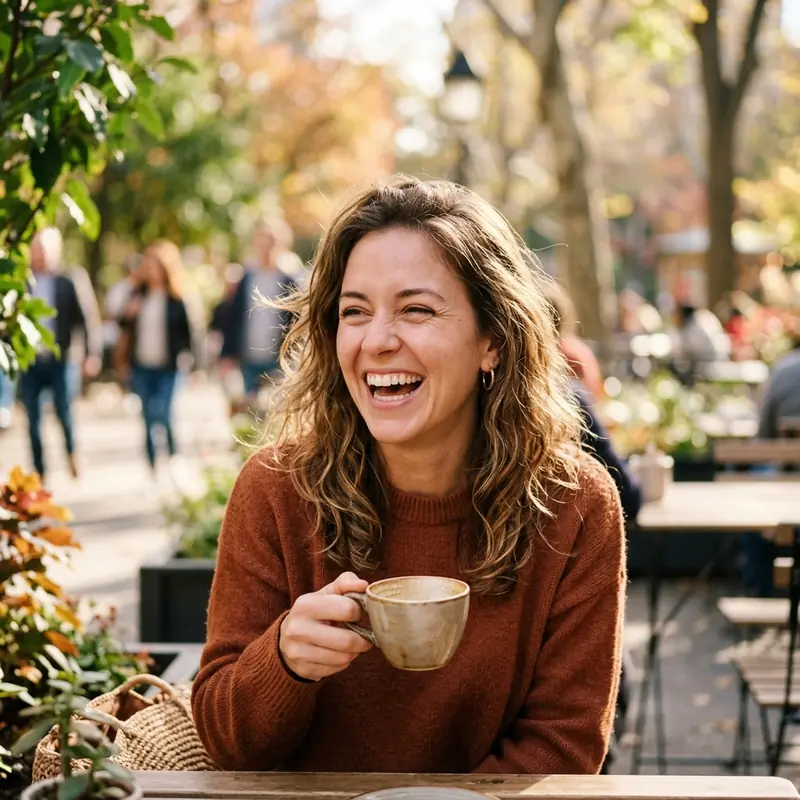
There is no required style or update schedule. Keep the same photo if you still like it. Read the light and color guide for more ideas, or browse the main DP ideas guide.
More visual examples