Choose a DP that is easy to recognize
DP means display picture. It is another name for a profile photo. Start with one clear subject. A simple photo is easier to recognize in a small circle.
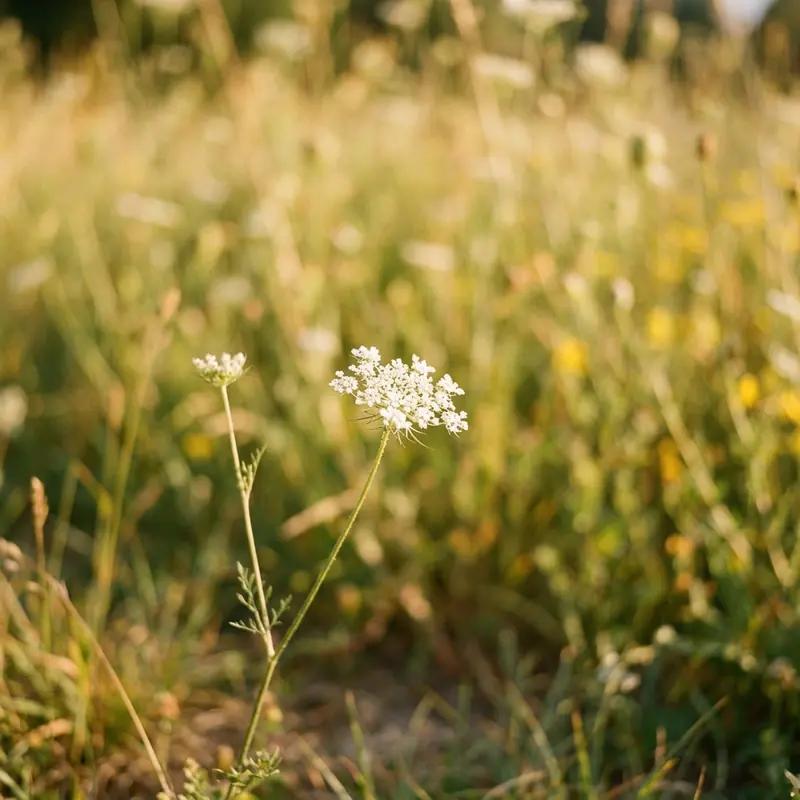
Ten ideas to try
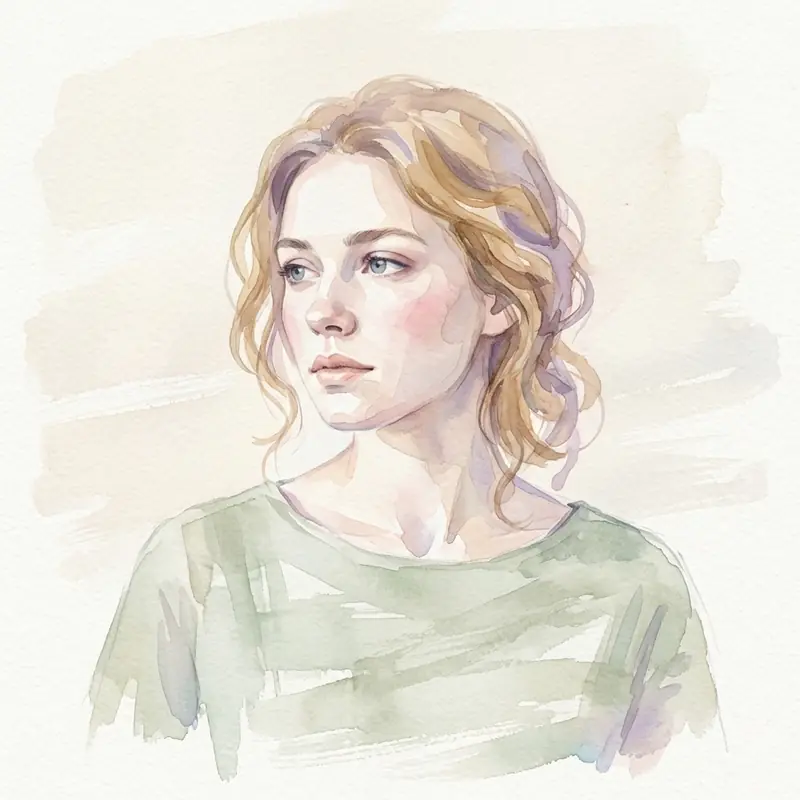
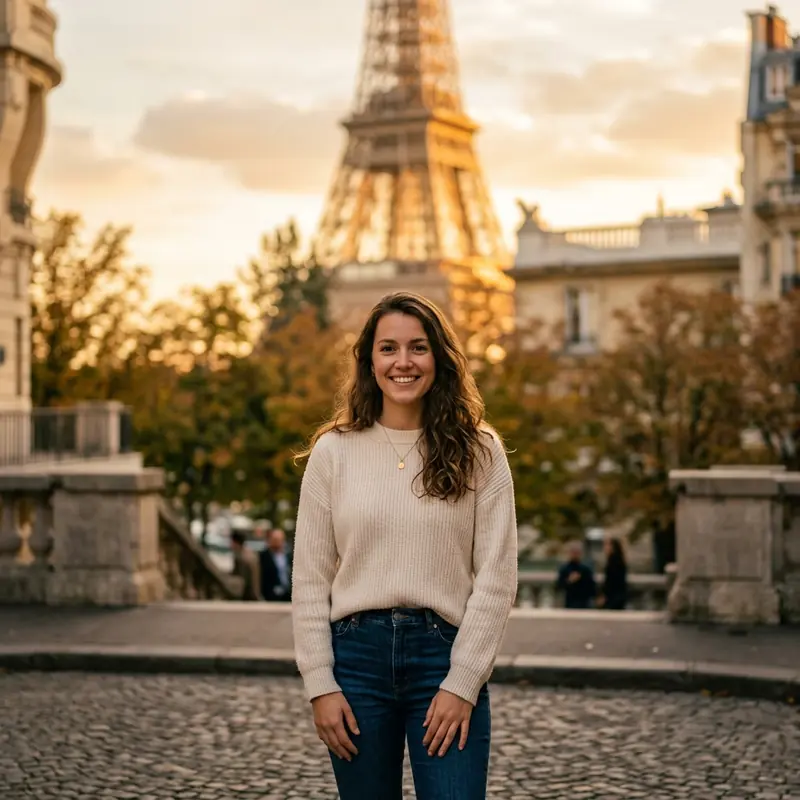
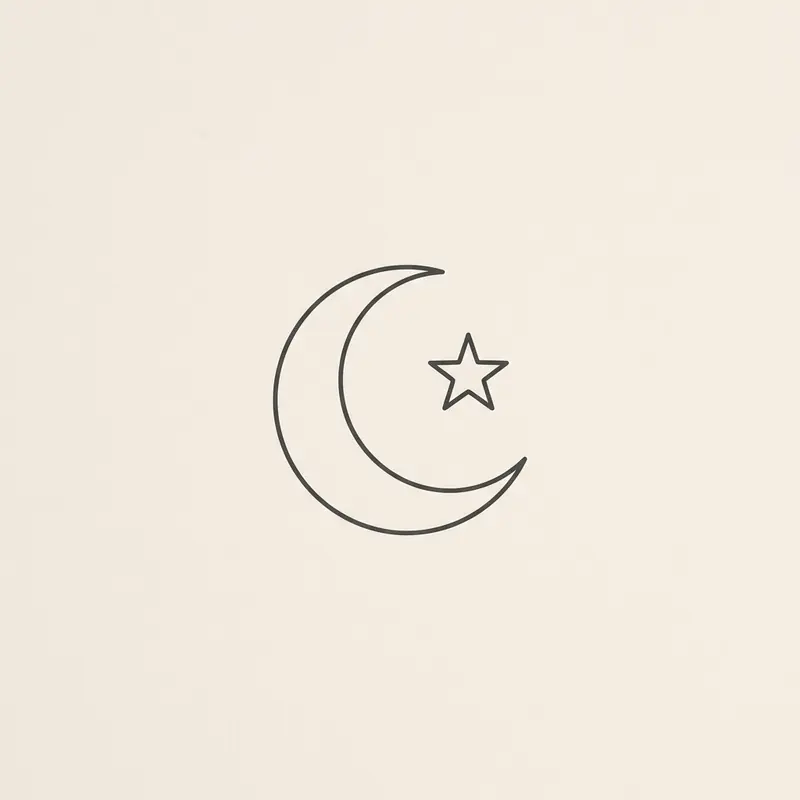
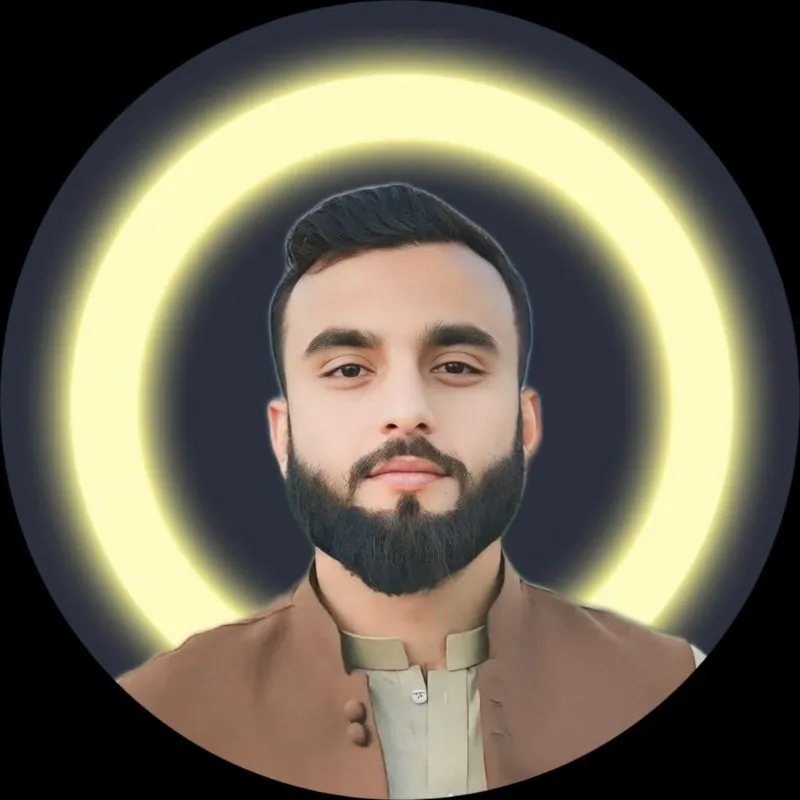
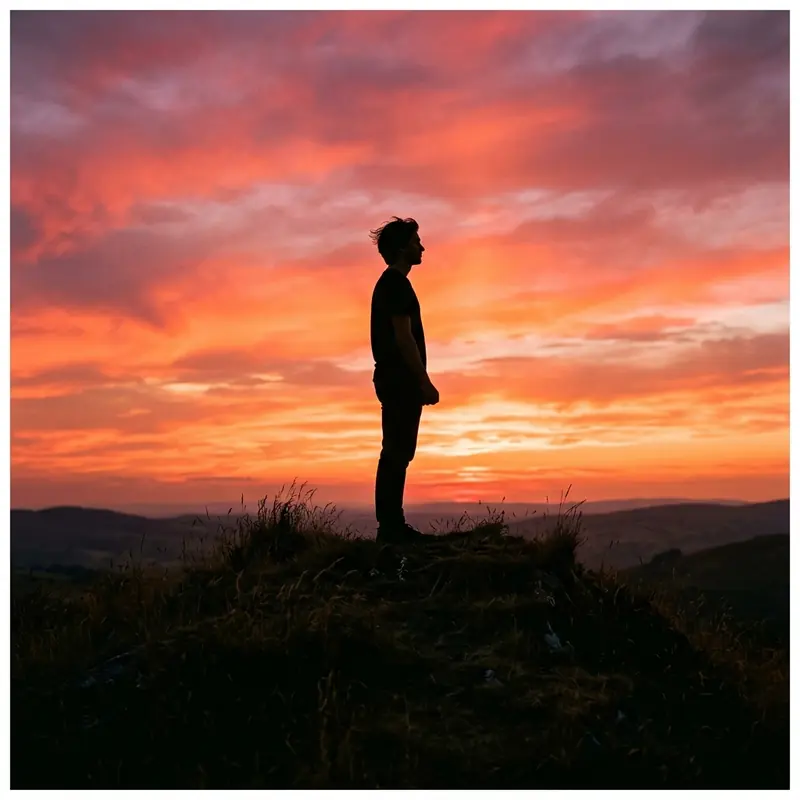
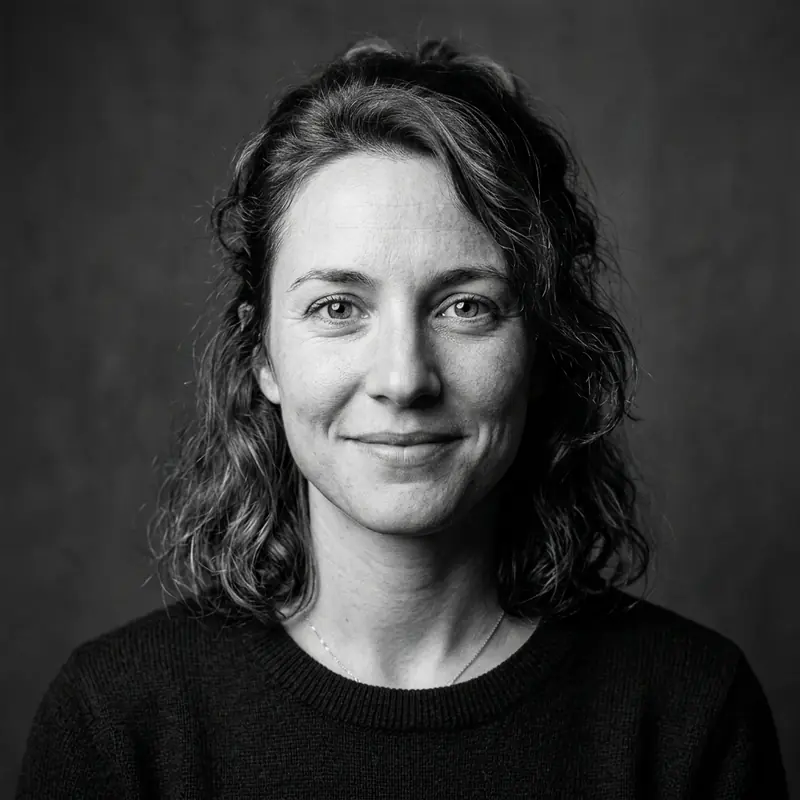
Try a headshot, pet photo, flower, sunset, travel photo, simple drawing, short quote, hobby photo, milestone photo, or meaningful symbol. Use your own picture or an image you have permission to use. For a quote, choose a few large words. Long text is hard to read at a small size.

Match the photo to its purpose
For friends, choose a photo that feels personal. For work, try a clear headshot or a simple logo. A wide group photo may make each face too small. You can use a closer crop or choose a different photo.

Check the small circle
Open your photo in the WhatsApp DP converter. Use the circle preview to check faces and text. Square corners sit outside the circle. Adding padding gives those details more room.
Save your photo
Use Blur mode and select Fit full photo in circle. Adjust the background if needed. Save as JPG for a photo or PNG for a graphic. Check the crop again inside WhatsApp. A larger export cannot repair a blurry original.
Which guide should I read next?
For light and color ideas, see the aesthetic photo guide. For a work account, read the professional photo guide. Choose a style you like; there is no single best DP for everyone.
More visual examples